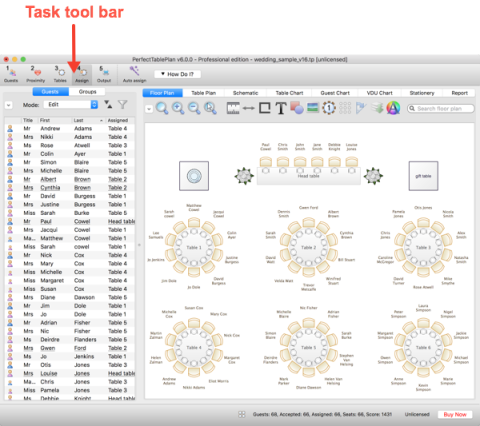
This is the main window of the application. The tool bar buttons and panes visible will depend on the button selected in the Task tool bar. Use the buttons at the top of the window to minimise, maximise or close it.
See also:
|
<< Click to Display Table of Contents >> Navigation: Reference > User interface > Main window |
This is the main window of the application. The tool bar buttons and panes visible will depend on the button selected in the Task tool bar. Use the buttons at the top of the window to minimise, maximise or close it.
See also: