You can use the following HTML tags to control how the guest Display name field appears in the  Floor Plan,
  Table Plan,
  Table chart,
  Guest chart and
  Stationery panes:
HTML tag |
Syntax |
Line break |
<br> |
Bold |
<b>...</b> |
Italic |
<i>...</i> |
Big |
<big>...</big> |
Small |
<small>...</small> |
For example:
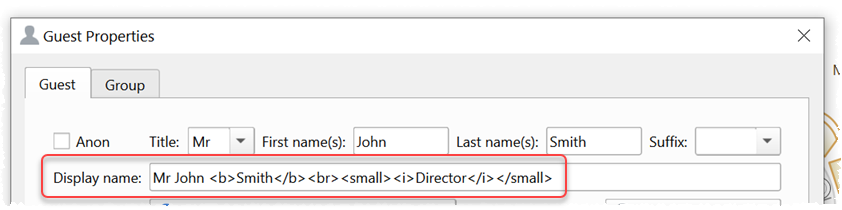
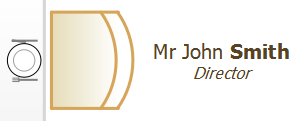
Is shown in the Floor Plan pane as:
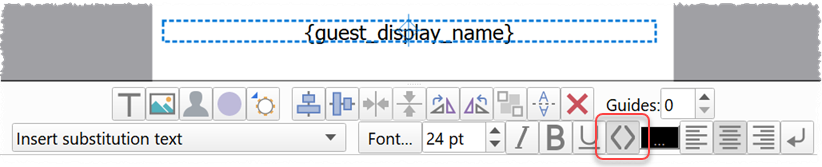
If you want a text item in the Stationery panes interpreted as HTML, you need to select the HTML button: