To show groups in the  Floor Plan or
  Table Plan pane:
| 1. | Click on the  button at the top-left of the pane. button at the top-left of the pane. |
| 2. | Click on the  Groups button. Each group will be shown in a different colour (or combination of colours). You can change the colours used in the Groups button. Each group will be shown in a different colour (or combination of colours). You can change the colours used in the  Visualization colours window. Visualization colours window. |
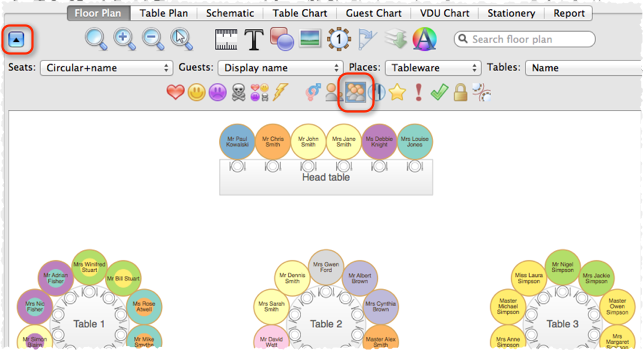
Depress the  button at the top of the pane to show a colour key.
See also: