
Note that the screenshots may not match the exact appearance of your PC, depending on which version of Windows you have and how your PC is configured.
When the file has finished downloading on to your PC, double click on the downloaded .exe file to install the software.
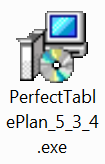
The installer file
A security window may appear. Click the Yes button (it may be a Run button on some versions of Windows).
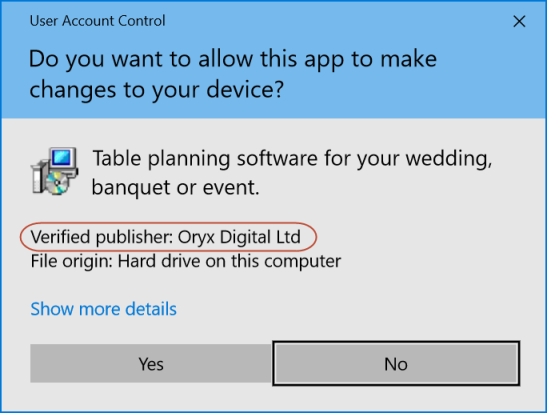
The exact warning message may vary. However the file is safe to run as long as the software is digitally signed by us (publisher is shown as "Oryx Digital Ltd").
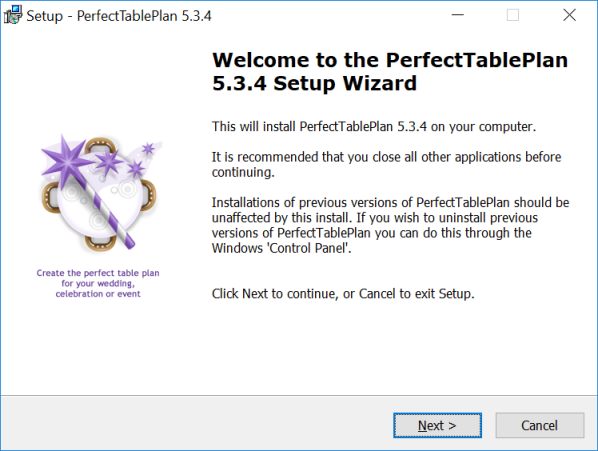
The PerfectTablePlan installer should now start. Read the instructions and click the Next button.
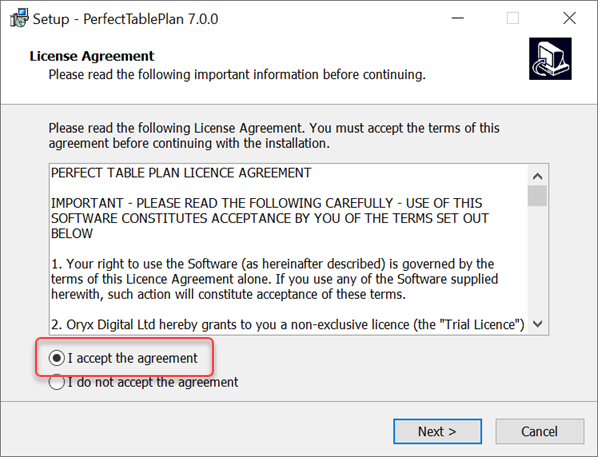
You have to accept the licence agreement before you can install PerfectTablePlan. If you are happy with the licence agreement click on I accept the license agreement and click the Next button.
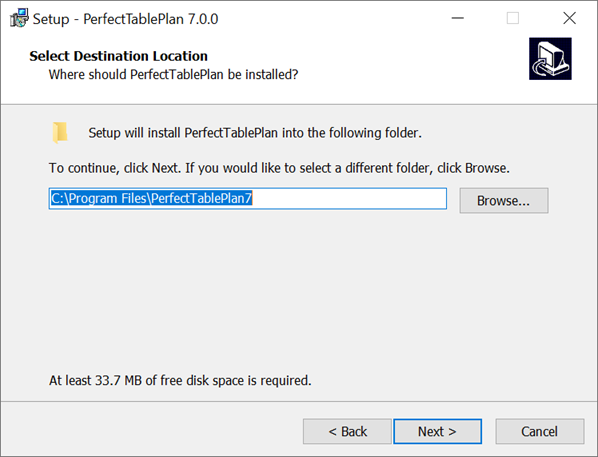
We recommend that you accept the destination folder suggested by the installer. Click the Next button.
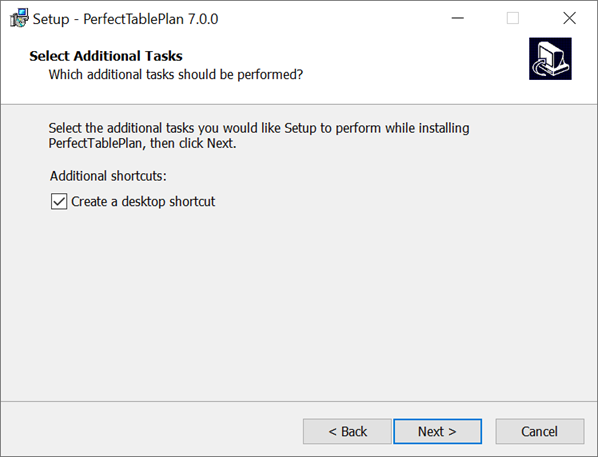
Leave Create a desktop icon checked if you want to install a PerfectTablePlan icon on the desktop. Click the Next button.
The installer will now complete the installation.
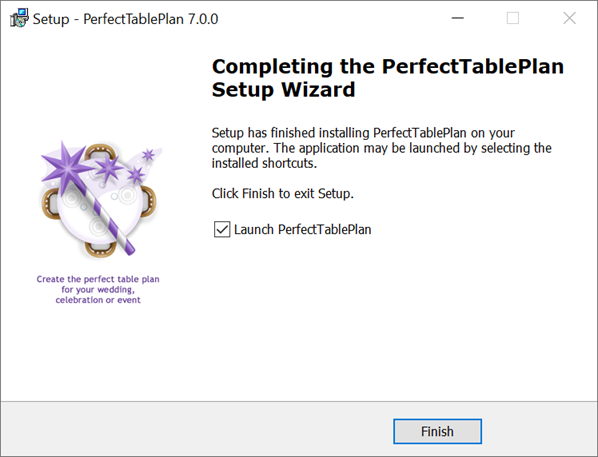
PerfectTablePlan should now be successfully installed. Leave Launch PerfectTablePlan checked if you wish to start using PerfectTablePlan immediately. Click on the Finish button.
If you have any problems during the installation please consult the Windows installer troubleshooting page.