
Note that the screenshots may not match the exact appearance of your PC, depending on which version of Windows you have, which browser you are using, the version of PerfectTablePlan and how your PC is configured.
If you have an older PC, check that it meets the modest minimum system requirements for PerfectTablePlan.
Right-click on the link and select Save link as... (Chrome), Save Link As... (Firefox), Save target as... (Internet Explorer).
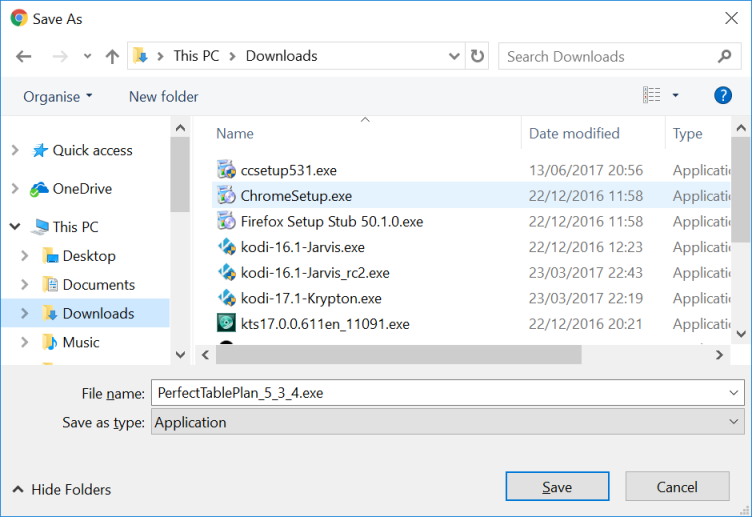
Depending on how your browser is configured you might be asked to choose a location for the download file. If in doubt, choose either the Downloads or Desktop folder.
The file will now download. This may take a few minutes.