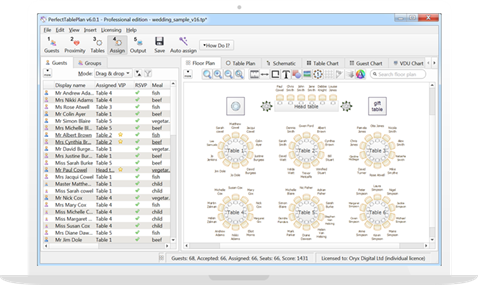
A good choice of font can really liven up a seating chart, table plan or place card.
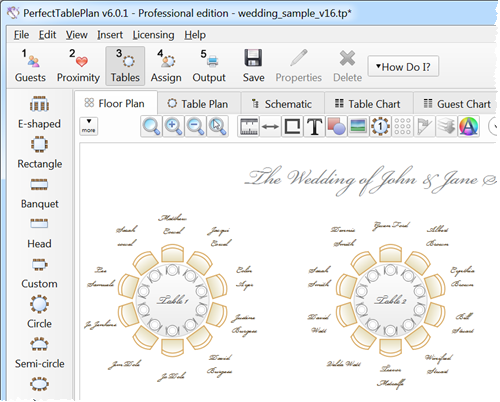
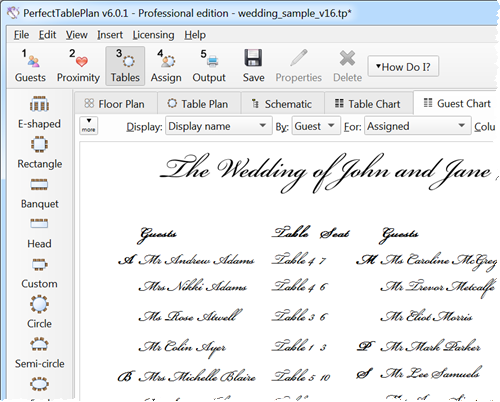
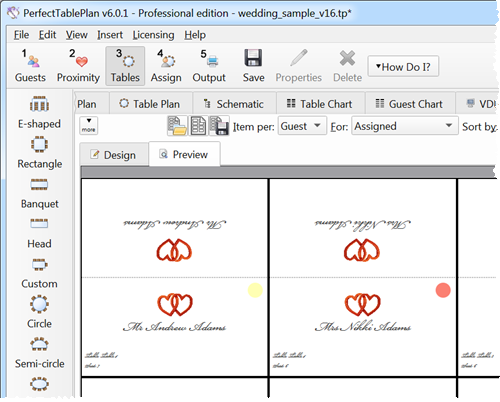
We have scoured the web and found a number of calligraphy style fonts which we think you might like to use in PerfectTablePlan for your plans, charts or stationery. Fonts in our download include:
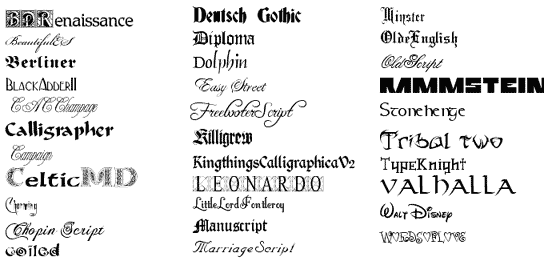
Download the package of fonts by clicking on the link below:
Download Fonts_v1_1.zip (1.5 MB)
Installation instructions
Windows
- Download the .zip file from the link above.
- Unzip the .zip file.
- Right click on the font(s) you want to install.
- select Install.
Mac
- Download the .zip file from the link above.
- Double click on the downloaded folder.
- Double click on the folder of the font you wish to install.
- Double click on the font .TTF (truetype) file. The FontBook window should appear.
- Click on the Install Font button.
Not all the fonts may be suitable for Mac. You may need to restart Mac before these fonts are available to applications.
Font issues
Not all fonts contain all characters. For example some fonts do not contain numerals. Some of the 'taller' fonts may not be ideal for use in floor plans as only 1 line of text will fit within a seat.
If you copy a plan file to another PC you will need to copy any non-standard fonts it is using.
Copyright issues
We did not create these fonts. We found them on font websites and have packaged them together as a free service to our customers and anyone else that wishes to use them. We provide them as-in and can accept no responsibility for any issues arising from their use. As far as we are aware all of these fonts are free for non-commercial use. Some of them are also free for commercial use. Wherever possible we have included any licensing information with the fonts - please read it. If you have any questions regarding copyright or what constitutes commercial use you should contact the font author, not us.
More fonts
There are thousands of fonts available on the Internet, both free and commercial. Whatever the theme of your event it is likely that there is an appropriate font out there somewhere. If none of the above fonts are what you are looking for then we suggest you try searching some of the following sites